OpenClaw Finally Has Eyes and Hands: Peekaboo v3
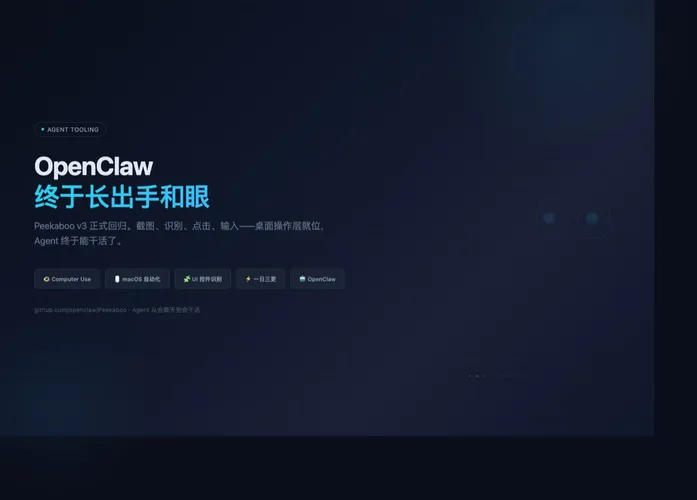
OpenClaw was, for most of its life, a messaging gateway. It could route messages, dispatch agents, and deliver results back to Telegram, Slack, or iMessage. What it couldn’t do was actually touch the desktop — click a button, fill a form, navigate a menu, read an error dialog. Peekaboo v3 is the missing local execution layer. After months of silence, it returned with a v3.0.0 release followed by three updates in a single day — v3.1.0, v3.1.1, v3.1.2 — signaling not emergency fixes but a backlog of work finally landing.
Turning the desktop into a structured workspace for agents
Peekaboo is, at its core, a macOS automation toolkit: screenshots, window recognition, UI element parsing, clicking, typing, scrolling, app switching, menu operations. Traditional scripts break on environmental changes — a button shifts, a window overlaps, a dialog pops up — and each failure cascades. Peekaboo doesn’t just take a screenshot and hand it to the model. It extracts controls, windows, text, and button relationships into a structured desktop map. The AI doesn’t see raw pixels; it sees a trackable, reviewable, continuable workspace with every element positioned and labeled.
From message routing to local execution
OpenClaw solved connectivity: where messages come in, how agents process them, where results go. Peekaboo solves execution: after the agent plans the steps, can it see the actual screen, find the actual button, click it, and wait for the actual feedback? With Peekaboo, OpenClaw transforms from a multi-channel message router into something closer to an on-call engineer — someone who can log into the machine, look at the screen, check the config, and push the right buttons. OpenClaw handles the “who’s asking, what needs doing, which agent to use”; Peekaboo handles “what’s on screen, where the button is, and how to land the next action.”
What agents need isn’t smarter advice — it’s reliable eyes and hands that can see the desktop and act on it. Peekaboo is exactly that layer.